 Sk8
Sk8Figure skating practice log
The sheet says what happened. It doesn’t say why.
Sk8tics keeps a skater’s training and competition record in one place — what was planned, what the panel called, and the one thing a protocol can never tell you: what your coach saw.

What it does
Look up any skater’s scores by name
Type a skater’s name and Sk8tics finds their results across Skate Ontario competitions and Skate Canada’s national events in seconds rather than an afternoon of opening PDFs.
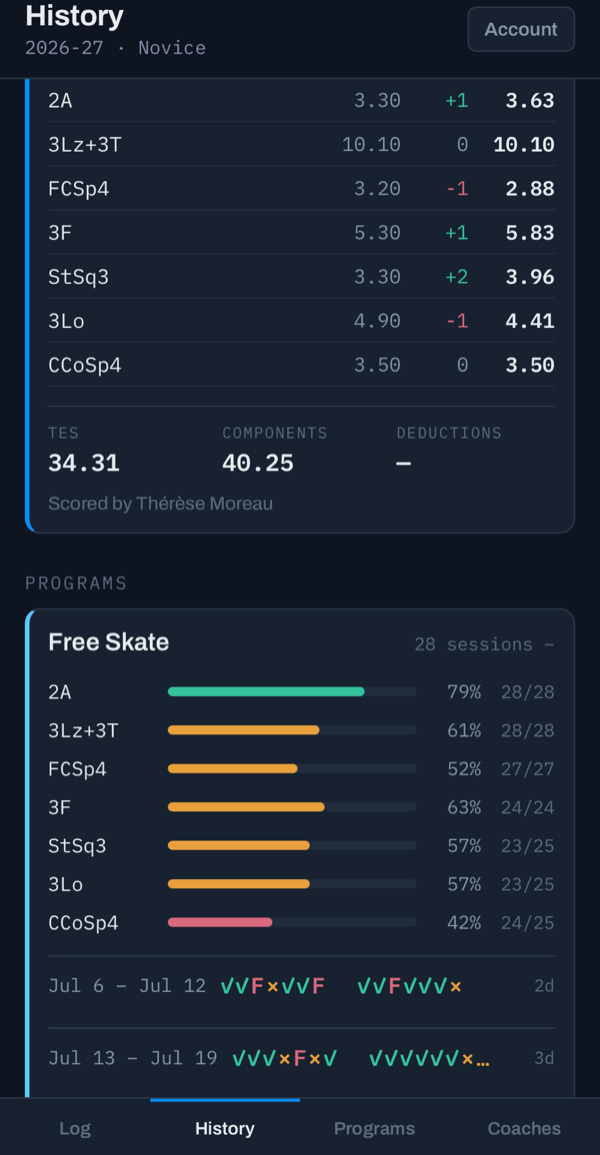
Import one and the whole protocol comes across: base values, every judge’s mark, the program components with their factors, and the deduction with its reason.
Compare, your last competition or another skater’s
Put two skates side by side: your last competition against this one to see your own progress, or your skate against another skater’s or the winner’s from the same segment.
The Progress chart puts a season of competitions on one date axis, so the trend and the time since the last one both show.
A practice log, with your coach’s notes
Four marks per element — landed, missed, fell, not attempted. No typing on cold hands. History shows the check rate for each element week by week, so an element that is quietly slipping is plain to see.
A coach scores a run-through against the current ISU scale of values and writes a note against each element.
Planned against what the panel called
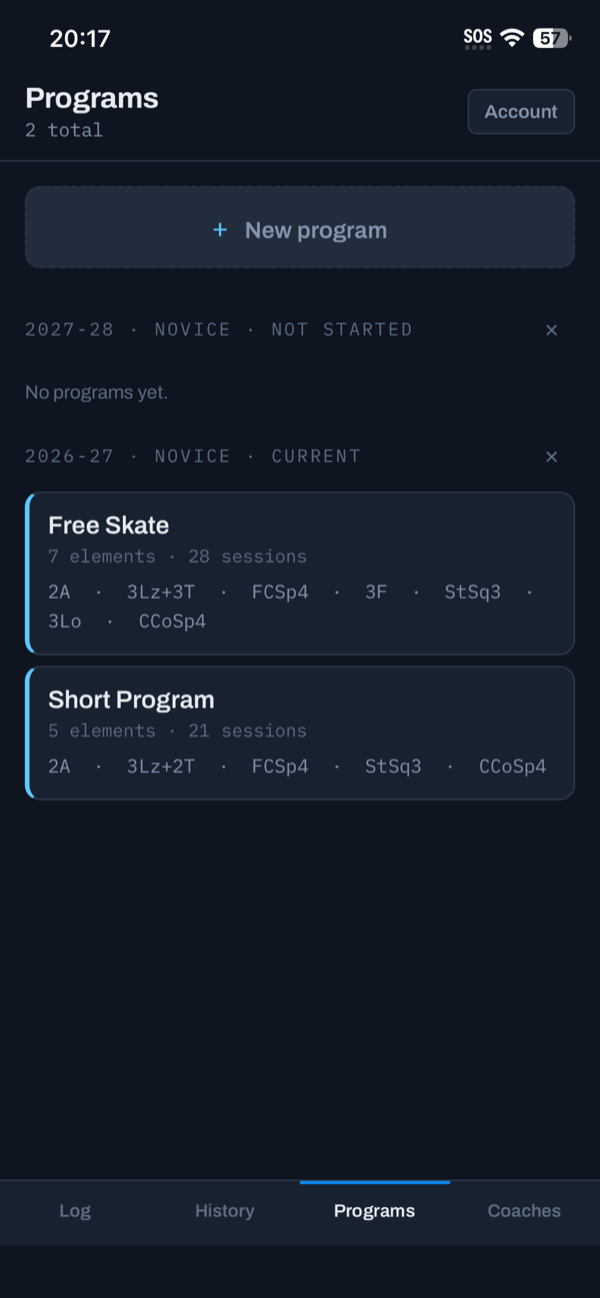
Programs hold each season of planned elements. Record what a panel actually called against what the programme planned.
Planned level 3, called basic. That costs 1.20 in base value before a judge marks anything — and the note is why it happened.
Who it’s for
Skaters
Your own record, including every note a coach has written against an element. Yours to read, and yours to delete.
Coaches
Score a run-through, record a competition, and keep a season’s worth of context on each skater you work with. A coach sees a skater’s log only through a link the skater has accepted, can read it but never change it, and keeps their own scores and competitions. A skater can end the link whenever they like.
Look up scores fast, then compare
Sk8tics lets you type a skater’s name and finds their results across Skate Ontario competitions and Skate Canada’s national events in seconds rather than an afternoon of opening PDFs. Compare then puts two skates side by side: your last competition against this one to see your own progress, or your skate against another skater’s or the winner’s from the same segment.